
Executive Summary
As organizations grow, SharePoint can become more than a
document repository—it can become a structured knowledge and collaboration
platform. The challenge is not simply creating more sites and libraries; it is
designing an information architecture that helps people understand where
content belongs, find it quickly, and manage it consistently.
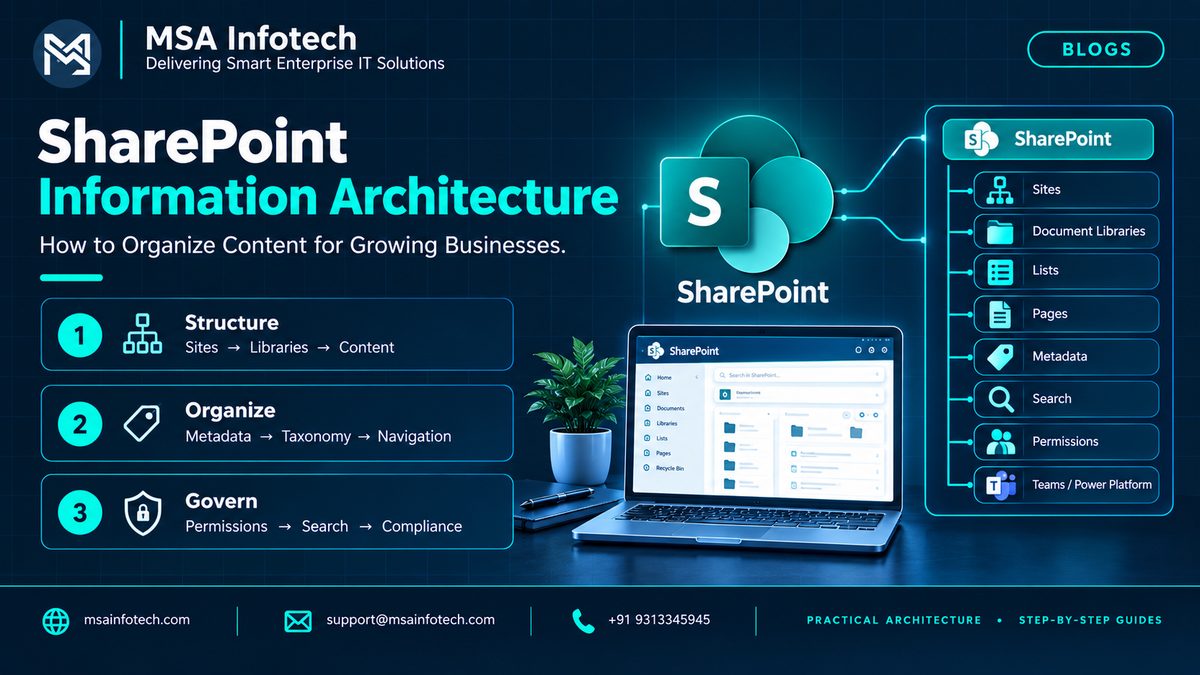
A practical SharePoint information architecture brings together
site structure, libraries, metadata, navigation, search, permissions and
governance. Microsoft guidance emphasizes user needs, findability, clear labels
and ongoing review as business needs change.
|
The core idea A scalable
SharePoint environment should make the right content easy to store, easy to
find, and easy to govern—without creating unnecessary complexity. |
Why SharePoint Organization Matters
A SharePoint environment can grow quickly as departments create
sites, teams build document libraries, projects generate files, and business
processes add lists and pages. Without a clear structure, users may save
similar content in different places, create duplicate libraries, or rely
heavily on manual searching.
Good information architecture reduces this friction by giving
users a predictable way to navigate and discover information. Microsoft
recommends planning navigation from the perspective of the people who use the
site, not only from the perspective of how the organization is structured.
What Is SharePoint Information
Architecture?
SharePoint information architecture is the way content, sites,
navigation, metadata, search and access are organized so people can find and
use information effectively. Modern SharePoint guidance covers global
navigation, hub organization, local site and page navigation, metadata, search
and personalized content experiences.
The goal is not to build the most complicated hierarchy. The
goal is to create a structure that matches how users think about their work and
how the business needs to manage its information.
·
Make important information easier
to find.
·
Give users clear and familiar
navigation labels.
·
Create consistent ways to
classify and filter content.
·
Support permissions and
governance without unnecessary complexity.
·
Provide a structure that can
evolve as the business grows.
The Building Blocks of a Scalable
SharePoint Structure
|
Building block |
Purpose |
Practical focus |
|
Sites |
Focused workspace for a business area,
project, team or topic. |
Keep purpose and ownership clear. |
|
Hub sites |
Connect related sites and provide shared
navigation. |
Group related sites without forcing
everything into one hierarchy. |
|
Libraries |
Store and manage documents and files. |
Use meaningful names, content types and
metadata. |
|
Lists |
Manage structured business information. |
Define columns and views around real
processes. |
|
Pages |
Present information, guidance and
navigation. |
Keep pages focused and scannable. |
|
Metadata |
Classify content for browsing, filtering
and search. |
Use consistent columns, terms and content
types. |
|
Permissions |
Control who can view, edit or manage
information. |
Design access around business roles and
governance. |
Folders vs. Metadata: Choosing the Right
Organization Method
Folders are familiar and can be useful for simple document
organization, but they can become difficult to maintain when users need to
classify the same content in multiple ways. Metadata provides more flexible
classification because users can filter, sort and search based on properties
such as department, document type, project, region or status.
Microsoft guidance notes that metadata supports browsing,
search, compliance and retention, while folders are a more physical way of
organizing documents.
|
Practical rule Use folders when a simple physical grouping
is genuinely useful. Prefer metadata when users need flexible filtering,
consistent classification or multiple ways to discover the same content. |
Designing a Scalable SharePoint Structure
A strong design starts with users and business needs rather than
immediately creating sites and libraries. Microsoft recommends understanding
users, their vocabulary, top tasks and content needs before deciding on the
navigation model.
Step 1 — Understand the users
→ Identify main user groups and
business roles.
→ Document the tasks users perform
most often.
→ Capture the terms employees
naturally use when looking for information.
Step 2 — Understand the content
→ Identify major content types,
business processes and information collections.
→ Review where existing documents
and pages are stored.
→ Look for duplicate, outdated or
difficult-to-find content.
Step 3 — Define the structure
→ Decide which topics, teams or
business functions need dedicated sites.
→ Group related sites with hubs
where appropriate.
→ Define local navigation for each
site.
Step 4 — Define metadata and governance
→ Choose metadata that genuinely
improves classification and search.
→ Define ownership, permissions,
retention and review responsibilities.
→ Document naming and
content-management conventions.
Search, Navigation & Content Discovery
Search is important, but users often begin by browsing.
Microsoft emphasizes usability and findability and recommends testing navigation
with real users. Clear labels, logical grouping and task-oriented navigation
help users understand where they are and where to go next.
·
Global navigation for
organization-wide destinations.
·
Hub navigation for related sites
and business areas.
·
Local navigation for the specific
site.
·
Metadata-based filtering and
views.
·
Search experiences that surface
relevant content.
·
Highlighted or aggregated content
where cross-site discovery is useful.
Permissions and Governance
Information architecture and governance should be planned
together. Navigation, page architecture, metadata and search all affect how
information is managed and discovered.
·
Define clear site ownership and
administration responsibilities.
·
Use role-based access where
practical.
·
Avoid unnecessary unique
permissions that are difficult to maintain.
·
Establish content lifecycle and
review practices.
·
Keep metadata and navigation
standards documented.
·
Review the architecture as teams,
projects and business processes change.
8. Common SharePoint Information Architecture
Mistakes
Creating sites without a clear purpose — Every site should have a business reason, owner and audience.
Organizing everything around the org chart — Users often need information by task, topic or process rather
than department alone.
Overusing folders — Deep folder
structures can make discovery and maintenance harder.
Using unclear navigation labels — Labels should be concise, familiar and accurately describe their
destination.
Ignoring metadata — Without
consistent classification, filtering and search can become less useful.
Treating governance as an afterthought — Ownership, permissions and lifecycle rules should be part of the
design.
A Practical SharePoint Information
Architecture Example
|
Layer |
Example |
Purpose |
Key design question |
|
Global |
Company intranet |
Common entry points and organization-wide information |
What must everyone find easily? |
|
Hub |
Operations Hub |
Connect related operational sites |
Which sites belong together? |
|
Site |
Procurement |
Focused workspace for a business function |
What is this site's purpose and audience? |
|
Library |
Supplier Documents |
Manage a specific document collection |
What content belongs here? |
|
Metadata |
Supplier, Region, Status |
Classify and filter content |
Which properties improve findability? |
|
Governance |
Owner + review policy |
Maintain quality and access |
Who owns and reviews this information? |
How MSA Infotech Can Help
MSA Infotech works with organizations on SharePoint
implementation, customization, integration, migration, data and analytics,
workflow automation and ongoing support. A SharePoint information architecture
initiative can be approached as both a technical and business-organization
exercise.
·
Assess existing SharePoint sites,
libraries and content structures.
·
Define an information architecture
aligned with business processes and user needs.
·
Design navigation, metadata and
content organization.
·
Integrate SharePoint with
Microsoft 365, Teams, Power Platform and related systems.
· Support migration, modernization, governance and ongoing improvements.
Quick Decision Guide
|
If your priority is… |
Consider focusing on… |
|
Making content easier to find |
Clear navigation + metadata + search |
|
Connecting related business
areas |
Hub structure + shared navigation |
|
Reducing document duplication |
Content ownership + libraries + metadata |
|
Supporting compliance |
Metadata + permissions + retention/governance |
|
Scaling with business growth |
Focused sites + flexible navigation + review process |
Frequently Asked Questions
What is SharePoint information architecture?
It is the way SharePoint sites, navigation, pages, metadata, search and content are organized so users can find and work with information effectively.
Should every department have its own SharePoint site?
Not necessarily.
Site structure should be based on business purpose, content ownership, users
and tasks rather than simply mirroring the organization chart.
Are folders bad in SharePoint?
No. Folders can
be useful for straightforward organization. The important point is to avoid
deep or rigid folder structures when metadata would provide better filtering
and discovery.
Why is metadata important?
Metadata helps
classify content and can improve filtering, browsing and search. It can also
support compliance and retention scenarios.
How often should SharePoint information architecture be
reviewed?
It should be
reviewed as business structures, user needs, content collections and processes
change. Microsoft recommends ongoing review rather than treating architecture
as a one-time design.
Conclusion
SharePoint information architecture is ultimately about making
information easier to understand, find and manage. A scalable approach combines
focused sites, sensible navigation, useful metadata, effective search and clear
governance.
As organizations grow, the right structure may evolve. The strongest SharePoint environments are therefore designed for change: they provide enough structure to keep information organized while remaining flexible enough to support new teams, processes and content.
Organize content around how people work—not just where the organization sits on paper.