
Microsoft Copilot Security
and Governance:
What Businesses Need to Know
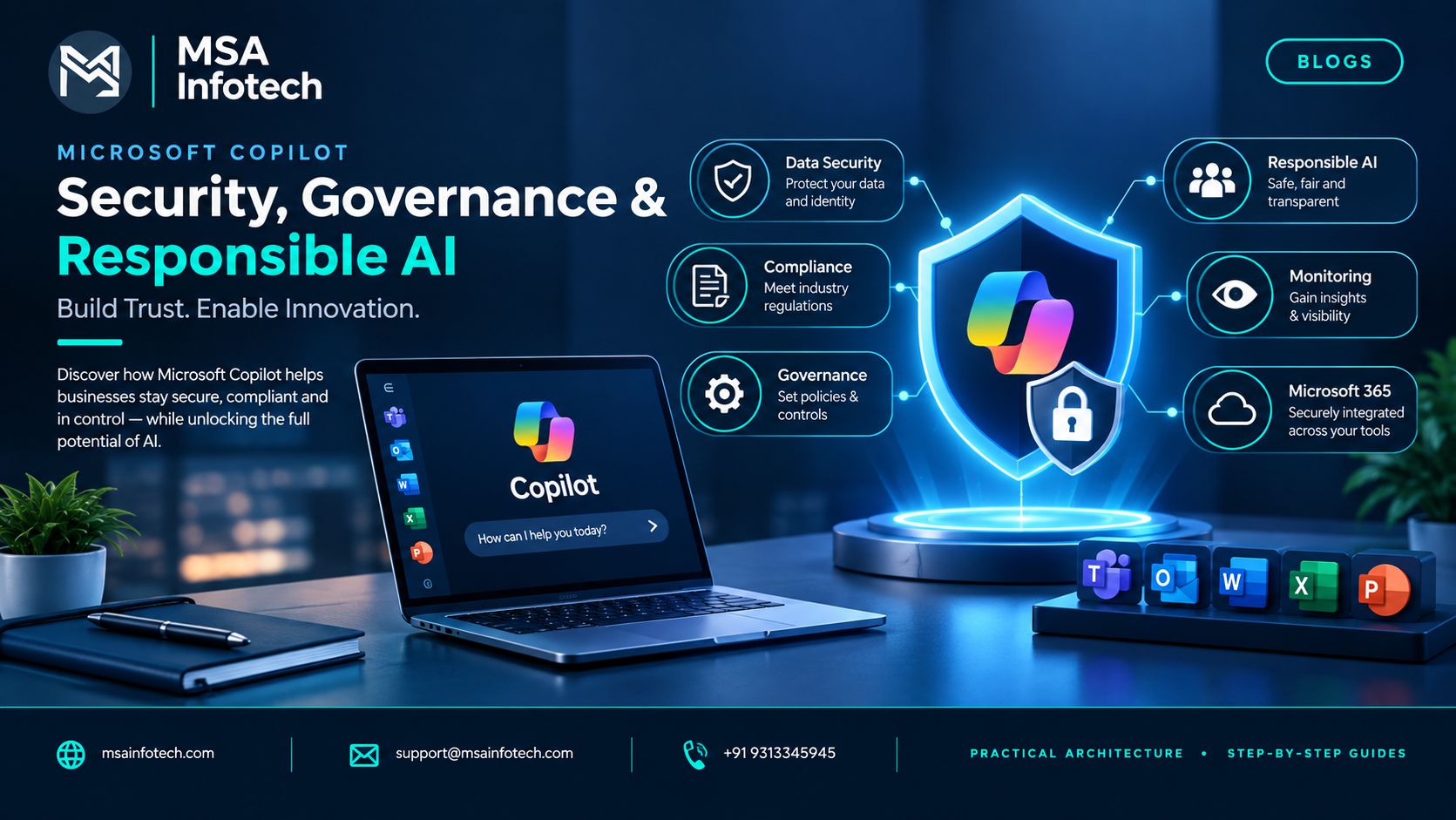
|
CATEGORY |
PRIMARY KEYWORD |
SLUG |
Executive Summary
Microsoft
Copilot can help employees work with business information, create content,
analyze data, and collaborate more efficiently. But enterprise AI adoption also
raises important questions around data access, privacy, security, compliance,
and governance.
A practical
Copilot strategy therefore combines productivity with appropriate controls
around who can use Copilot, what information users can access, which
capabilities are permitted, and how AI usage is monitored.
1. Why Copilot Security Matters
Business
environments contain valuable information such as customer records, employee
information, financial data, contracts, project documents, and intellectual
property.
Copilot should
operate within an organization's existing identity, permission, and
information-governance boundaries.
•
Protecting sensitive
business information
•
Respecting existing
user permissions
•
Supporting privacy and
compliance requirements
•
Maintaining visibility
into AI usage and connected data
|
“The
goal is not simply to enable AI, but to enable AI responsibly.” |
2. Key Security Controls for Copilot
Copilot
security can be viewed through a few important areas:
|
Area |
Business
Focus |
|
Identity |
Who can use or create Copilot solutions? |
|
Permissions |
What information can each user access? |
|
Data Protection |
How is sensitive information protected? |
|
Governance |
Which AI capabilities and connections are allowed? |
|
Monitoring |
How are Copilot and agent activities reviewed? |
A strong
security strategy brings these controls together rather than treating them as
separate activities.
3. Securing Copilot Studio and AI Agents
When
organizations create custom agents using Microsoft Copilot Studio, governance
becomes especially important.
BUILD
→ TEST →
GOVERN → APPROVE
→ DEPLOY →
MONITOR
•
Using appropriate
environments and security roles
•
Controlling approved
connectors and data sources
•
Applying relevant data
policies and DLP controls
•
Defining clear
ownership
•
Reviewing agents before
production deployment
This becomes
particularly important when an AI agent can interact with business applications
or perform actions on behalf of employees.
4. Data Governance and Monitoring
AI governance
depends heavily on the quality of an organization's existing information
governance.
•
Microsoft 365 and
SharePoint permissions
•
Sensitive or regulated
information
•
External sharing
•
Connected applications
and data sources
•
Ownership of custom AI
agents
•
Appropriate monitoring
and audit requirements
|
“Good AI governance starts with good
information governance.” |
If users
already have inappropriate access to business information, introducing AI does
not automatically solve that underlying problem.
5. Common Challenges Businesses Should Consider
Poorly Managed Permissions
Incorrect
permissions can create unnecessary data exposure risks.
Shadow AI
Employees
may experiment with AI tools outside approved organizational processes.
Growing Number of AI
Agents
As
custom agents become easier to create, businesses may need better visibility
into ownership, purpose, and lifecycle.
Different Business
Requirements
HR,
finance, sales, IT, and other departments may have different security and
compliance requirements.
Employee Awareness
Employees
need practical guidance about how AI should be used with company information.
6. A Practical Copilot Governance Framework
ASSESS →
GOVERN → DEPLOY
→ MONITOR →
IMPROVE
Assess
Identify
use cases, users, data, permissions, and business risks.
Govern
Define
roles, policies, environments, approved connectors, and data controls.
Deploy
Introduce
Copilot to suitable users and validated business scenarios.
Monitor
Review
adoption, security, agent activity, and policy compliance.
Improve
Use
real-world feedback and usage insights to continuously improve the
organization's AI strategy.
This approach
allows businesses to balance AI innovation with appropriate control.
7. Frequently Asked Questions
Is
Microsoft Copilot secure for businesses?
Microsoft
provides security, governance, privacy, and compliance capabilities across its
Copilot ecosystem. Organizations should still configure appropriate permissions
and policies for their own environment.
Can
businesses control Copilot access?
Yes.
Organizations can use identity, roles, environments, data permissions, and
governance controls to manage access and capabilities.
Does
Copilot replace existing security controls?
No.
Copilot security should complement an organization's existing identity, data
security, compliance, and governance strategy.
Can
Copilot Studio be governed for enterprise use?
Yes. Copilot
Studio provides capabilities for organizations to manage agents, data policies,
access controls, monitoring, and governance.
8. How MSA Infotech Can Help
Enterprise AI
adoption requires more than simply enabling a product.
MSA Infotech
can help organizations evaluate their technology environment, identify suitable
Copilot opportunities, integrate Microsoft technologies, and establish
practical approaches to AI adoption.
•
Microsoft Copilot
implementation and integration
•
Copilot Studio and
custom AI solutions
•
Power Platform
integration
•
SharePoint and
Microsoft 365 integration
•
AI and business
application development
•
Security and governance
planning
•
Workflow automation
•
Ongoing support and
maintenance
9. Conclusion
Microsoft
Copilot can become an important part of the modern workplace, but successful
adoption requires more than productivity improvements.
Organizations
should also consider identity, permissions, data protection, governance,
compliance, monitoring, and employee awareness.
The goal is not
to slow down AI adoption. It is to create an environment where employees can
use AI productively, responsibly, and securely.
|
“AI adoption creates value when
innovation and governance move together.” |